
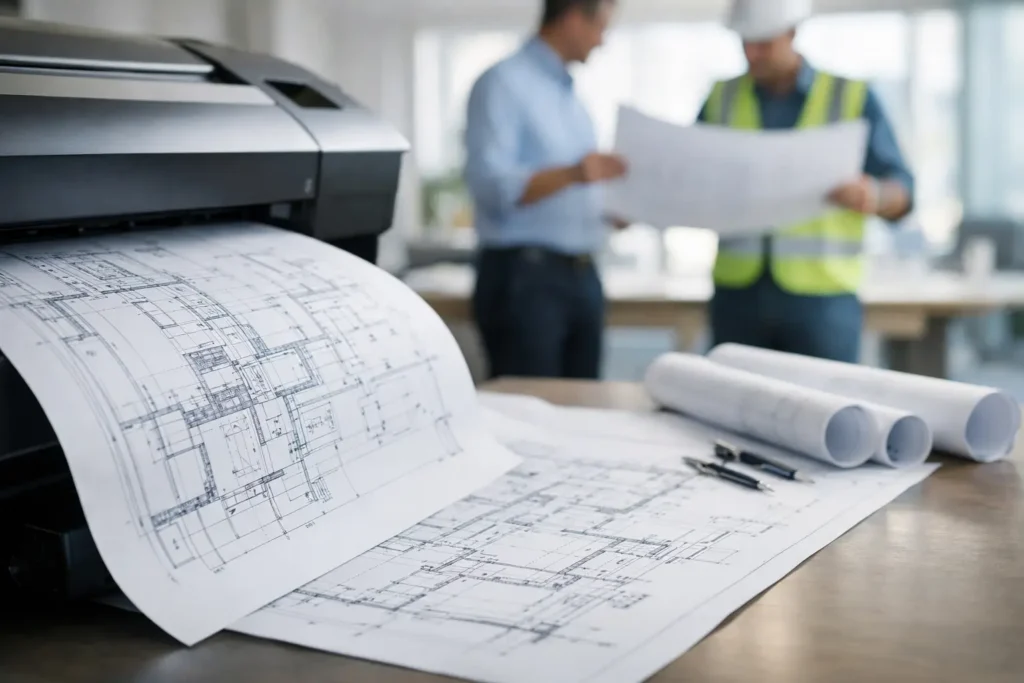
A plan can look perfectly clear on a monitor and become unusable the moment it is printed at the wrong scale, with a clipped border, weak line weights, or unreadable callouts. Oversize engineering plan printing is not simply a larger version of standard office printing. It is a production process where accuracy, file preparation, media selection, and delivery timing all affect the work happening in the field.
For engineering, construction, architecture, and facilities teams, printed plans often move between project managers, job sites, consultants, permitting offices, and client meetings. A reliable print partner helps keep that movement from becoming a source of delay.
Why Oversize Engineering Plan Printing Requires More Control
Engineering drawings carry information that cannot be guessed. Dimensions, revision clouds, utility routes, symbols, elevations, specifications, and notes must remain clear at the intended output size. A sheet that is reduced to fit available equipment may still technically print, but it may no longer support accurate review or installation.
Scale is the first concern. If a drawing is intended to print at 1/8 inch equals 1 foot, the output must preserve that relationship. Scaling a document down by even a small percentage can create confusion during measurement, takeoffs, and coordination. Before production begins, confirm the intended sheet size, scale, orientation, and whether the file has been exported with any automatic fitting settings.
Line quality matters just as much. Fine grayscale lines may disappear on a low-quality print, while overly heavy output can make closely spaced details run together. Color plans introduce another layer of review. A red revision mark, yellow highlight, or blue utility line must remain distinct from the surrounding document. The goal is not merely a clean-looking page. The goal is a plan that can be read quickly and used with confidence.
Start With Files That Are Ready for Production
Most plan-printing problems begin before a printer is turned on. A PDF is generally the most dependable file format for final output because it holds fonts, line work, and page geometry more consistently than a working drawing file. That said, not every PDF is ready to print at full size.
Check the document properties against the required sheet size. Common formats include ARCH D at 24 by 36 inches, ARCH E at 36 by 48 inches, and ANSI D at 22 by 34 inches. Custom sizes are also common for civil plans, utility maps, shop drawings, and presentation boards. The page size in the PDF should match the requested output size unless a deliberate reduction or enlargement has been approved.
Fonts deserve attention, particularly in plans received from multiple consultants. If fonts are not embedded, a printing system may substitute another typeface, shifting text or changing character widths. This can cause labels to overlap lines or extend beyond their intended locations. Flattening markups or exporting a final print PDF helps prevent surprises.
Before submitting a large set, review one sheet at full size on screen. Look at the smallest notes, legend text, hatch patterns, and line intersections. If those details are hard to read on screen, they will not improve in print. A quick preflight review is less expensive than reprinting an entire issue set after it reaches the site.
Confirm Revisions Before the Set Is Released
Version control is a practical issue, not an administrative one. A superseded foundation detail or mechanical layout can trigger rework, material waste, and difficult conversations. Label files consistently with project name, discipline, sheet number, date, and revision status. When possible, separate current issue sheets from reference files so the production team is not left to determine which document should be printed.
For time-sensitive releases, provide clear instructions on the number of sets, color versus black-and-white requirements, binding or folding preferences, and delivery locations. If different recipients need different sheets, identify that upfront. Clear instructions protect the schedule and reduce unnecessary handling.
Choose Media Based on How the Plans Will Be Used
Standard bond paper remains the right choice for many working plan sets. It is economical, easy to mark up, and suitable for indoor meetings, permit reviews, and short-term job-site use. For everyday construction documents, black-and-white bond printing is often the most practical balance of cost and readability.
However, the lowest-cost media is not always the best fit. Plans exposed to frequent handling, moisture, dust, or outdoor conditions may benefit from heavier stock or a more durable material. Laminated plans can be useful for field reference sheets, equipment layouts, safety maps, and repetitive-use drawings. They resist tears and allow for wipe-clean use, though lamination makes later handwritten markups less convenient.
Color output is worth using when color carries meaning. Phasing maps, utility coordination drawings, site logistics plans, fire protection layouts, and presentation-ready renderings are easier to interpret when their color coding is maintained. For a large technical set where color is only used on a few critical sheets, a mixed order may be the sensible choice: black-and-white for standard sheets and color for plans where it improves decisions.
Paper weight, finish, and durability should follow the plan’s purpose. A design presentation has different needs than a field-issued civil set. A knowledgeable production team should ask how the documents will be used rather than assuming every oversized file belongs on the same paper.
Printing Details That Affect Field Usability
Oversize plans need more than correct dimensions. They need practical finishing. Folding can turn a large sheet into a manageable document package, but folds should respect the title block and allow users to identify the sheet without unfolding it completely. For sets that will be reviewed at a conference table or carried to a site, consistent folding and collating save time every day.
Binding options depend on the set and the workflow. Stapled or bound sets keep issue packages together, while loose sheets can be better for wall review, field posting, or distributing individual discipline sheets. A cover sheet, sheet index, and clearly marked revision date make large sets easier to navigate when several teams are involved.
Quality control should include a visual check for clipped content, missing sheets, banding, color inconsistency, and incorrect orientation. It also means confirming the sheet count and set count before the order leaves the production floor. These checks sound basic, but they matter most when a crew is waiting, a meeting is scheduled, or a bid deadline is approaching.
Plan Printing for Tight Houston Project Schedules
Engineering and construction schedules rarely leave generous room for document production. A late design change can arrive at the end of the day and still need to reach a project team before morning. Local capacity becomes valuable in those moments because the people producing the plans can communicate directly with the people who need them.
The Document Group supports deadline-driven plan production with account-manager oversight, modern oversize equipment, pickup and delivery options, and extended availability for urgent project needs. That local accountability is especially useful when an order changes after submission, when multiple delivery points are involved, or when a team needs a real person to confirm what will happen next.
Rush service should not mean skipping review. The best way to move quickly is to provide production-ready files and concise instructions, then work with a provider that has established quality-control procedures. A short conversation at the start can prevent a long delay later.
When Digital Files Are Not Enough
Digital plan rooms are useful for sharing documents, but they do not replace printed plans in every setting. Field crews may need a full-size sheet for fast measurement and markup. Stakeholders may spot coordination issues more easily when a drawing is spread across a table. Printed sets are also valuable when connectivity is unreliable or when a team needs to compare multiple sheets side by side.
The choice does not have to be print or digital. Many organizations use both: secure digital distribution for access and controlled printed sets for review, permitting, bidding, and field work. The right balance depends on the project, the audience, and how quickly decisions need to be made.
A Better Way to Place a Plan Order
A dependable order begins with a few clear details: the final files, requested size and scale, number of sets, color requirements, finishing instructions, deadline, and delivery location. Include contact information for the person authorized to answer questions about revisions or substitutions. If the set is especially complex, identify priority sheets or ask for a proof of a representative page before full production.
For recurring work, keep a standard order format. It reduces back-and-forth and helps every project manager submit consistent instructions. This is particularly helpful for firms managing several active sites, multiple disciplines, or frequent addenda.
When printed plans are accurate, organized, and delivered where they are needed, teams can focus on coordination instead of document problems. That is the standard a project deserves when the next decision depends on what is on the sheet.