
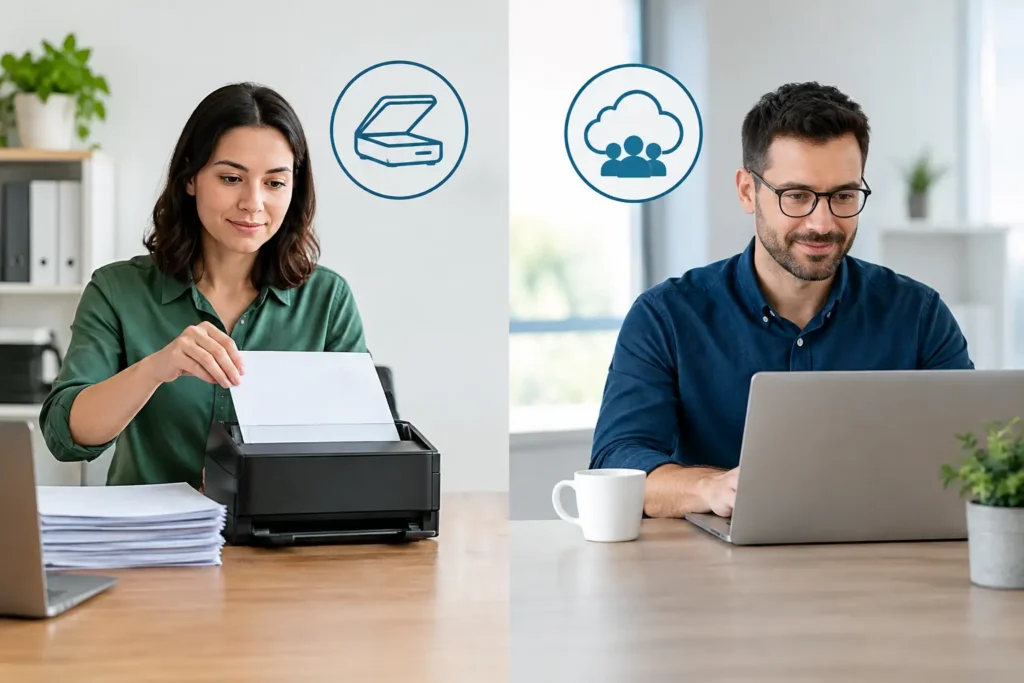
A records room can become a daily operating problem long before it becomes a storage problem. Files take too long to find, staff members make repeat copies, and urgent requests pull people away from the work they were hired to do. The decision around scanning versus outsourcing is not simply about getting paper into PDFs. It is about who owns the workload, how accurately information is captured, and whether your team can respond when documents are needed fast.
For businesses managing legal files, medical records, engineering plans, personnel documents, or long-running client archives, the right answer depends on volume, sensitivity, deadlines, and the true cost of internal labor.
Start With the Work, Not the Scanner
Buying a desktop scanner or assigning a few employees to scan files can seem like the lower-cost option. For a small, occasional project, it may be. If an office needs to digitize a few folders each month, has clear filing standards, and can dedicate staff time without affecting client service, in-house scanning is often practical.
The situation changes when paper arrives by the box, records need to be indexed consistently, or a deadline is tied to a lawsuit, audit, relocation, merger, or records-retention project. At that point, the scanner itself is usually the smallest part of the job.
Every document must be prepared, staples and clips removed, pages checked for damage, scanned at the right settings, reviewed for legibility, named, indexed, and delivered in a usable folder structure or document-management system. Oversized drawings, bound files, fragile originals, microfilm, and mixed page sizes add more handling steps. A project that looks simple from across the room can consume weeks of staff time.
When In-House Scanning Makes Sense
In-house scanning works best when the workflow is steady and modest. An accounting office may scan incoming invoices each day. A human-resources department may digitize a limited number of new employee documents as part of onboarding. A field office may need to capture a small set of forms before sending them to a central team.
The advantages are immediate access and direct control. Your employees know the records, understand internal terminology, and can decide where a document belongs without a lengthy handoff. For documents that must be reviewed the same day and then returned to an active file, keeping the process close can be efficient.
Still, internal scanning needs ownership. Someone must set scan-resolution standards, naming rules, quality checks, retention practices, and permissions for digital files. Without those controls, a paper problem can turn into a digital one: incomplete PDFs, inconsistent filenames, missing pages, and folders no one can search confidently.
In-house work also becomes expensive when it relies on employees whose primary responsibilities are billing, client service, legal support, project management, or operations. Their time has value beyond an hourly rate. If scanning creates a backlog in the work that generates revenue or serves clients, the apparent savings can disappear quickly.
Scanning Versus Outsourcing for High-Volume Projects
Outsourcing is usually the stronger fit when the project is large, time-sensitive, complex, or confidential enough to require a controlled production process. A professional scanning provider brings dedicated equipment, trained operators, document-preparation capacity, and established quality-control steps to work that would otherwise disrupt an office.
This matters when a law firm must organize case files for discovery, a healthcare organization needs to digitize medical records, or an engineering team needs searchable access to years of plans and project documentation. It also matters during events that create a sudden spike in paper: office moves, disaster recovery, acquisitions, audits, and litigation deadlines.
The goal is not merely faster scanning. It is a cleaner handoff from physical records to usable digital information. That may include searchable text through OCR, customized indexing, file naming, secure delivery, and careful handling of records that must remain in a specific order.
A local provider can also reduce coordination problems. Pickup and delivery, direct communication with an account manager, and the ability to resolve a question in real time are valuable when files cannot sit in limbo. For Houston-area teams, working with a nearby production partner can be especially helpful when an urgent batch of legal records or oversized technical documents requires hands-on attention.
Compare the Full Cost, Not the Per-Page Price
A per-page quote is useful, but it should not be the only number in the decision. Internal scanning has costs that are easy to overlook: equipment purchases or leases, maintenance, software, employee training, supplies, storage space, rework, and supervision. There is also the cost of delay when records remain unavailable while staff tries to fit scanning between other assignments.
Outsourcing has a direct project cost, but it can provide a clearer budget and a defined finish line. The best comparison looks at the entire workflow. Ask how long preparation will take, who will verify image quality, how exceptions will be handled, and what happens when a folder contains oversized, damaged, or confidential material.
For recurring work, a hybrid approach can be the most affordable choice. Keep routine daily documents in-house, then send archive backlogs, large file rooms, microfilm conversion, and deadline-driven projects to a scanning specialist. This gives your team control over active records without turning a major cleanup effort into an internal side job.
Security Requires More Than a Locked Door
Confidentiality is often the deciding factor, particularly for legal, healthcare, financial, and personnel records. Some organizations assume sensitive documents must remain in-house. That can be appropriate, but only if the internal process includes controlled access, secure storage, documented handling procedures, and secure digital delivery.
A qualified scanning partner should be able to explain how records are tracked from pickup through return or approved destruction, who can access them, how digital files are transferred, and how quality control is managed. Ask direct questions about chain of custody, secure facilities, staff procedures, and delivery options. Vague answers are a warning sign.
For legal teams, security also includes usability. Files need to be organized in a way that supports review, production, deposition preparation, and trial work. A PDF with no meaningful filename or searchable text may be technically digitized, but it is not necessarily ready for litigation.
Ask These Questions Before You Decide
Before committing to either path, define the project in operational terms. How many boxes, files, or pages are involved? Are the documents standard letter-size pages, or do they include plans, bound volumes, tabs, photographs, or microfilm? Do you need searchable PDFs, indexed data, or files loaded into a particular system?
Then consider the deadline. If the answer is “as soon as possible,” calculate how many pages your internal team can realistically prepare, scan, review, and organize each day while still doing its regular work. That number is usually more revealing than the speed printed on a scanner box.
Finally, decide what success looks like after scanning is complete. You may want empty file cabinets, faster response to client requests, a defensible record-retrieval process, or a searchable archive that supports future work. The desired outcome should shape the production plan.
Choose Accountability Along With Capacity
The strongest scanning solution is the one that removes friction from your operation. Sometimes that means a trained employee handling a manageable daily flow. Sometimes it means bringing in a production partner that can take ownership of a large, urgent, or specialized conversion project.
The Document Group helps organizations move from paper-heavy storage to organized digital records with local support, quality control, and project oversight. Whether you keep scanning in-house, outsource a backlog, or use a mix of both, build the process around the people who need the information next. A document is only truly available when the right person can find it, trust it, and act on it without delay.