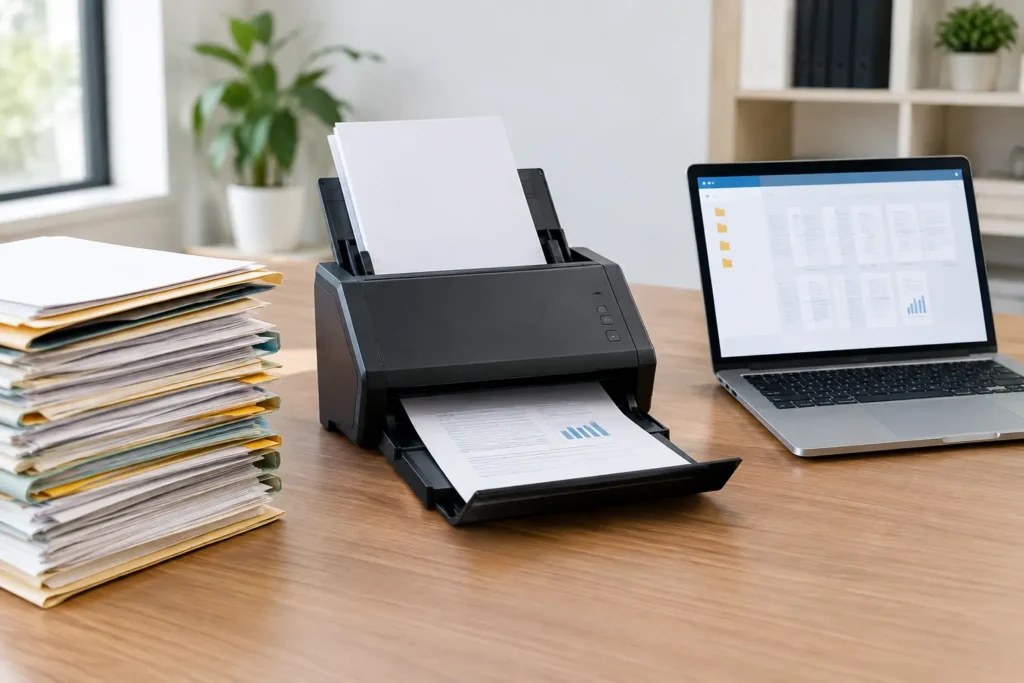
A records room filled with banker boxes is not just a space problem. It slows down requests, makes retention harder to manage, and creates risk when a contract, medical file, engineering drawing, or case record is needed immediately. Document digitization turns those paper-dependent workflows into searchable digital files while giving your team back the room to work.
For Texas organizations managing high volumes of records, the goal is not simply to scan every page. The goal is to create files people can find, trust, and use without losing the context that made the original record valuable. That takes a plan, the right preparation, and quality control at every stage.
What document digitization should accomplish
A successful digitization project creates more than image files. It should make information easier to retrieve, protect sensitive content, support retention requirements, and reduce the daily burden of storing and handling paper.
The standard is simple: when someone searches for a document, they should be able to locate the right version quickly and know it is complete. For a legal team, that may mean a searchable production set organized by matter and document type. For a healthcare administrator, it can mean patient records indexed accurately enough to support authorized access. For an engineering firm, it may mean oversized plans preserved at a readable scale with filenames that correspond to project records.
The right result depends on the records and the people using them. A basic scan-to-PDF approach can work for low-risk reference documents. Active files, regulated records, litigation materials, and technical drawings usually require more detailed indexing, naming conventions, image review, and a documented chain of custody.
Start with the records, not the scanner
The fastest way to create an expensive mess is to begin scanning before deciding what the finished archive needs to do. Before a project starts, identify the record types involved, their condition, how often they are accessed, and whether specific retention, privacy, or legal-hold requirements apply.
A practical project scope answers a few essential questions. Which boxes, departments, date ranges, or matters are included? What information must be captured for each file? Who needs access after conversion? Will the originals be returned, stored, or securely destroyed after approval? These decisions prevent surprises once production is underway.
It also helps to separate records by complexity. Standard letter-size files with consistent labels can move quickly through high-volume scanning. Bound materials, fragile pages, receipts, oversized drawings, microfilm, microfiche, and mixed-format files need a different handling process. Grouping them correctly upfront keeps routine documents moving without treating specialty records as an afterthought.
Decide what makes a file searchable
Optical character recognition, commonly called OCR, converts visible text in a scanned image into searchable text. It is one of the most useful parts of document digitization, but it is not magic. OCR quality depends on the condition of the original, print clarity, handwriting, page layout, and scan settings.
For clean typed documents, OCR may allow staff to search within a PDF for names, dates, invoice numbers, or key terms. For handwritten notes, faded carbon copies, and poor-quality faxes, a reliable index may matter more than full-text search. In those cases, capturing selected fields such as client name, record number, document date, and file category can provide faster, more consistent retrieval.
Preparation protects speed and accuracy
Paper preparation is often where a project succeeds or stalls. Staples, paper clips, sticky notes, folded pages, damaged edges, and mixed document sizes can cause jams, missing pages, or skewed images if they are not handled properly. Preparation also includes preserving meaningful document breaks, such as the start of a new patient chart, contract file, or case folder.
This work may seem routine, but it directly affects turnaround time. A well-prepared batch scans faster, produces cleaner images, and requires less rework. For organizations with active operations, preparation can be scheduled in phases so staff are not cut off from records they still need.
Chain of custody deserves equal attention. Confidential files should be tracked from pickup through scanning, quality review, delivery, and final disposition. For legal, healthcare, and financial records, accountability is not a nice extra. It is part of the service.
Build quality control into the scanning process
Scanning thousands of pages quickly has value only if the digital output is accurate. A quality-control process should confirm that images are readable, pages are oriented correctly, file groupings are complete, and index data matches the documents.
There is a trade-off between speed and review depth. A low-priority archive may justify batch-level checks and targeted image review. A litigation production, medical-record conversion, or engineering archive with high downstream consequences may require more extensive verification. The right level of review should be based on how the files will be used, not on a one-size-fits-all rule.
Ask how exceptions are handled. A good process flags torn pages, unreadable text, missing identifiers, unusual formats, and documents that do not match the expected folder structure. Those items should be resolved with a clear decision path rather than quietly pushed into the final delivery.
File names and indexes determine daily usability
A digital archive can still be frustrating if every file is named “Scan001.pdf.” File names should follow a consistent convention that supports how your team searches. Depending on the project, that could include department, project number, client or patient identifier, document type, and date.
Indexes provide another level of control. They can be delivered in a spreadsheet, loaded into a document management platform, or structured to support e-discovery and review workflows. The best approach depends on where the files will live after digitization. There is little value in creating an elaborate index if staff will never use it, but too little indexing can force employees to open file after file to find one record.
Plan for delivery, access, and the paper originals
Before scanning begins, decide how the completed files will be delivered and who can access them. Options may include secure file transfer, encrypted media, a designated platform, or another approved repository. The delivery method should fit your organization’s security practices and make handoff straightforward for the people responsible for the records.
Then establish what happens to the originals. Some companies retain paper for a defined period while they validate the digital archive. Others return active files to storage and securely destroy approved records after confirming that policy and legal requirements are met. If there is a legal hold, audit requirement, or uncertainty about retention, do not destroy originals until the appropriate authority has reviewed the decision.
For disaster recovery, consider whether the digitized files are stored in a location separate from the original records. A scanned archive can be a major recovery asset after flooding, fire, or other damage, but only if the digital copy is protected and accessible when the physical site is not.
When a local production partner makes the difference
Large document projects create pressure points: boxes need to move, files must be handled securely, questions come up mid-project, and the deadline rarely moves. Working with a local provider can reduce coordination problems through scheduled pickup and delivery, direct communication, and an account manager who understands the scope.
The Document Group supports business, legal, medical, and technical scanning projects with hands-on project oversight, high-volume production capacity, and quality checks designed around the records at hand. That matters when a project includes standard files alongside oversized drawings, bound records, microfilm, or materials needed for active litigation.
The best time to address paper archives is before storage costs, retrieval delays, or an urgent request forces the issue. Start with one department, one records series, or one high-value archive. A carefully planned first project gives your team a workable digital standard and turns the next paper pile into a much simpler decision.